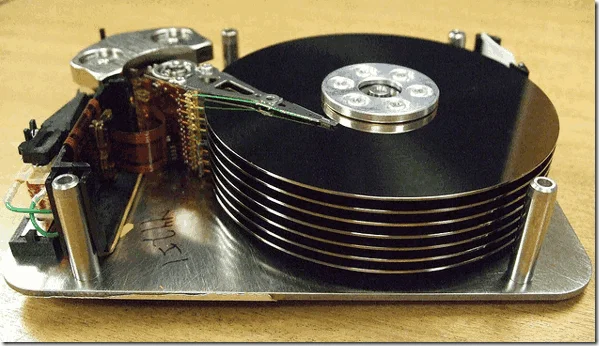
Does your system reserve partition have a drive letter? With these steps, you will Hide System Reserved Partition and no longer see it when browsing your computer.
Here is the fix using Diskpart:
- Load Command Prompt (cmd)
- Load Diskpart (diskpart)
- List Disks (list disk)
- Select Proper Disk (select disk #)
- List Partitions (list partition)
- Select Proper Partition (select partition #)
- List Volumes (list volume) NOTE: Look at Drive letter of system reserved volume
- Select the volume to hide (select volume #)
- Remove assigned disk letter (remote letter X)
With this, you should no longer see it, and you will Hide System Reserved Partition for good.



Comments
Comments load when this section comes into view.