
Screensavers might be the past, but they are still one of the coolest to do on your PC.
View post by @christitustech on X
SCR File Screensavers
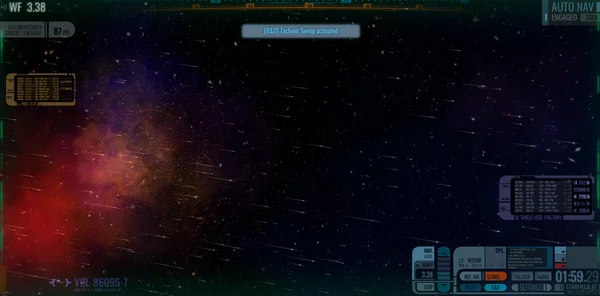
- System47 SCR File - https://www.mewho.com/system47/

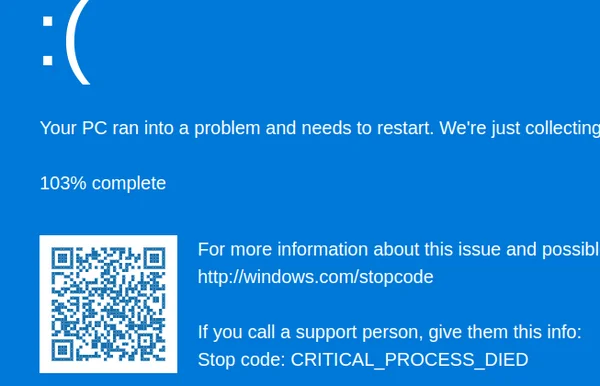
- Microsoft BSOD
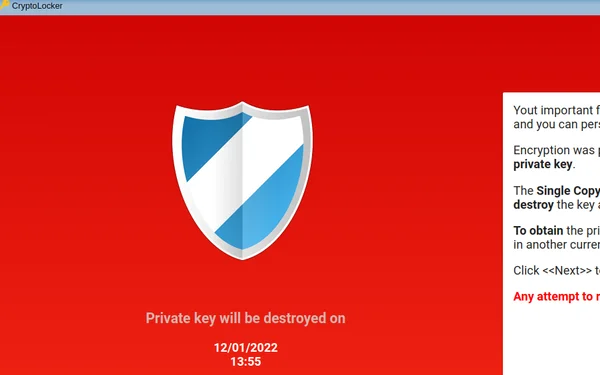
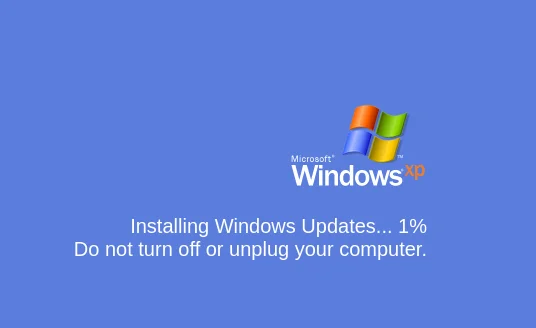
- Screensavers Website
Website Screensavers


Load Screen Savers
Windows
- Copy the *.scr file to
c:\Windows\System32 - Launch the Screensaver Windows Module (Start -> Run ->
control desk.cpl,,@screensaver) - Select the screensaver you copied
Copy/Paste Run command:
control desk.cpl,,@screensaverLinux
Loading scr files on Linux requires you to use WINE. You can launch this using wine.exe, but here is my article on setting it up as a systemd service: https://christitus.com/lcars-screensaver/




Comments
Comments load when this section comes into view.