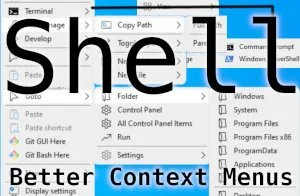
Context menus have become worse in Windows 11 and weren’t good in Windows 10. This application will fix it for both modern Windows operating systems.
View post by @christitustech on X
The App
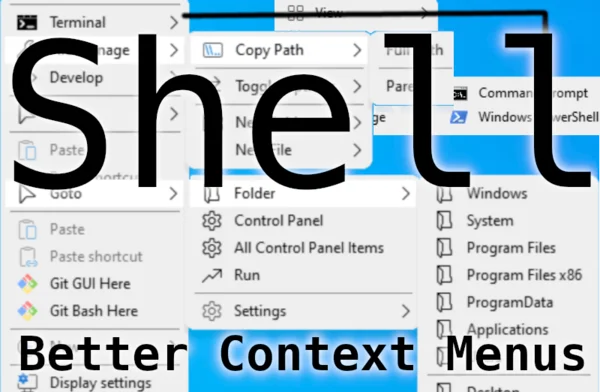
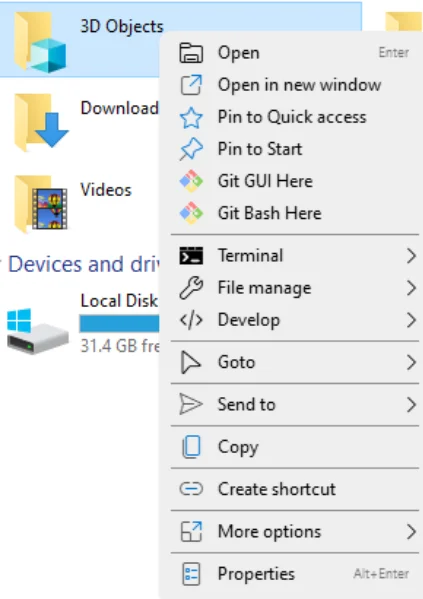
I install this app in both Windows 10 and Windows 11. Here is a breakdown of all the context menus that it adds and expands.
- Access the terminal from anywhere (hold shift to run as admin)
- Expanded Files (Create New, Copy Path, and Show hidden)
- Developer Options (Vs code launch, build from explorer, etc.)
- Goto Shortcuts (Common files and folders, System settings, etc.)
- Common sense copy and paste
- Create Shortcuts
- Program your own command!
Build your own menu and items
Shell is extremely easy to add commands and custom menus. Launch custom commands with arguments. Here is a quick how-to:
Open C:\Program Files\Nilesoft\Shell\shell.shl
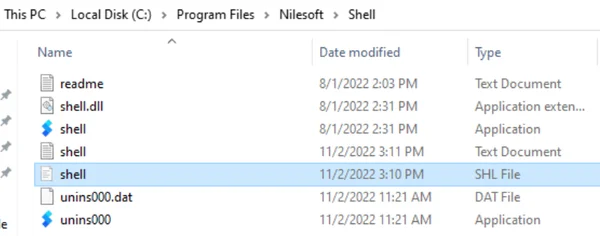
Add a custom command and pass arguments by editing the dynamic JSON section:
dynamic
{
  item(title='Chris Titus Tech YouTube' cmd='C:\Users\Subscribe\AppData\Local\BraveSoftware\Brave-Browser\Application\brave.exe' args='https://youtube.com/c/ChrisTitusTech')
The basic syntax is :
item(title=‘sample title’ cmd=‘executable path and exe’ args=‘extra commands’)



Comments
Comments load when this section comes into view.